





Badge Collection Block Tutorial
Would you like to show off the badges you've earned in GoT on your character page? I'll show you how to make your own block that will allow you to edit it yourself as you get new badges.
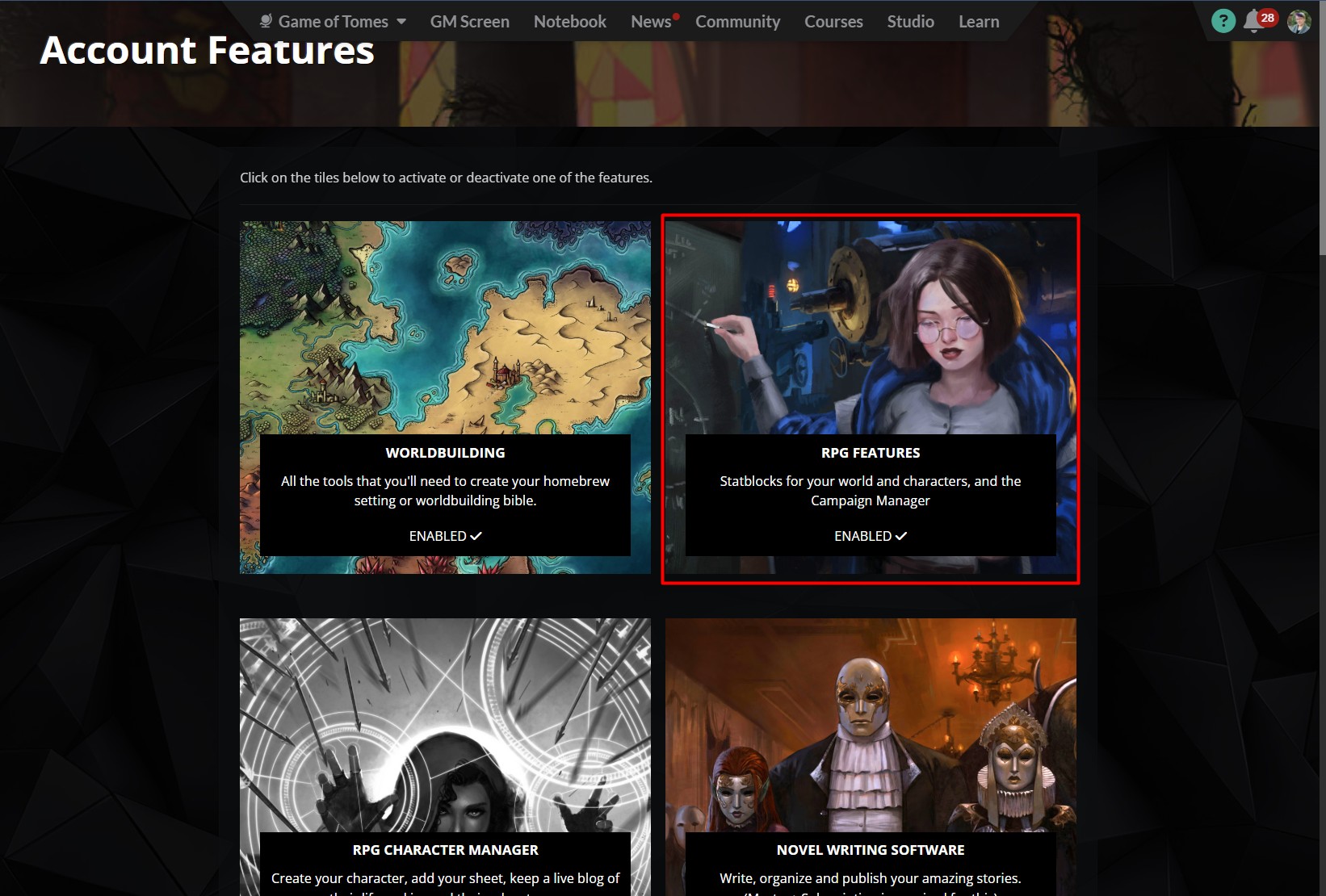
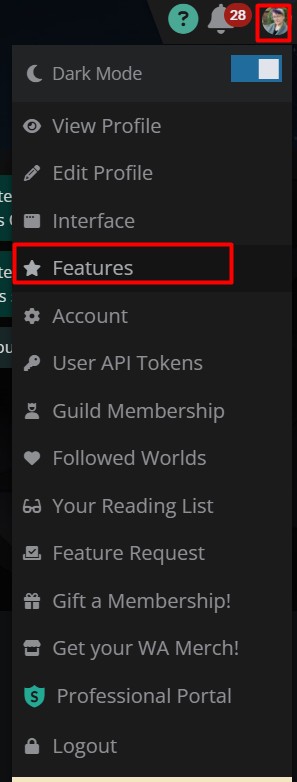
Ensure you have the RPG featues enabled. We'll be using the statblocks function of this feature.
Ensure you have your WA editor set to Advanced(Eulcid) (See this tutorial.)
If you usually use the visual editor, you can switch back after your statblock is done.
You'll always need to have the Advanced(Euclid) editor active when you edit the statblock because we have more advanced bbcode in the block. Otherwise some of the code may disappear and you'll have to clean up a mess.
If you're new to World Anvil and bbcode, here are a few tutorials that will help you understand what's happening in the block.
How to make Comments
How to use Columns
How to embed images
How to make a Spoiler Button
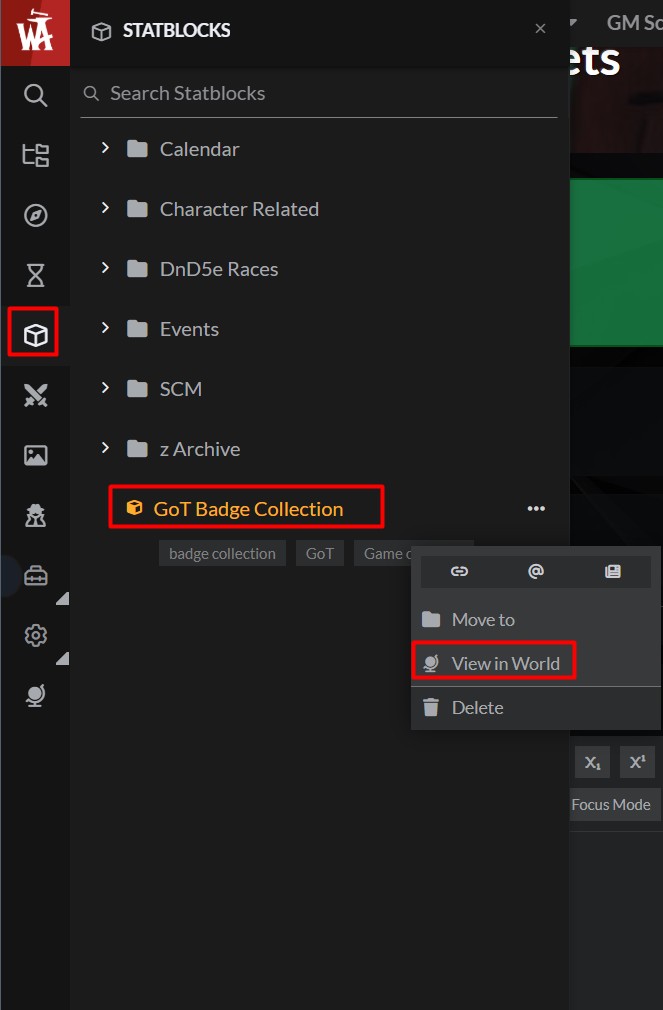
Go to this page to see the statblock and click on the green clone button.
Go to the new stat block you just created.
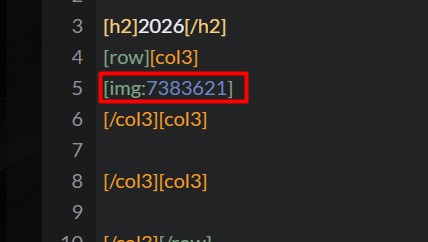
Edit it and add your badge(s) between the Col3 tags. Click "Save changes". (Statblocks don't auto save at the time of this tutorial's creation.)
Click "View sheet" to be sure that the code works as expected and isn't broken. Click the "Previous Event Badges" button, and ensure that works correctly, too.
If it shows up correctly (no odd code text shows in the block, images show where you expected, etc.) then click the Copy Block button. 
If it doesn't show up correctly, ensure all your tags are closed. (i.e. theres a tag that has the tag name and one later in the code with the same name but has a / in front. You can click on the tag and it will highlight both tags in the set so you see if you have opening and closing tags that match. 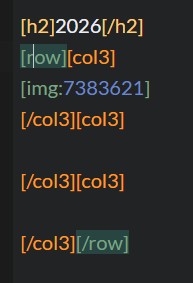 If you still can't figure it out, poke Shy or a librarian and they will help you. They'll need the bbcode for the block and also a copy of exactly what text and code you have in the block. (We can't view or edit your block or see the code. Only you can.)
Ask a House Librarian to add the block to the bottom of your page (in the full width footer). Give them the block code. The bbcode will look like this. They should put it in a test page to be sure it works correctly before adding it to your page.

Background and Example
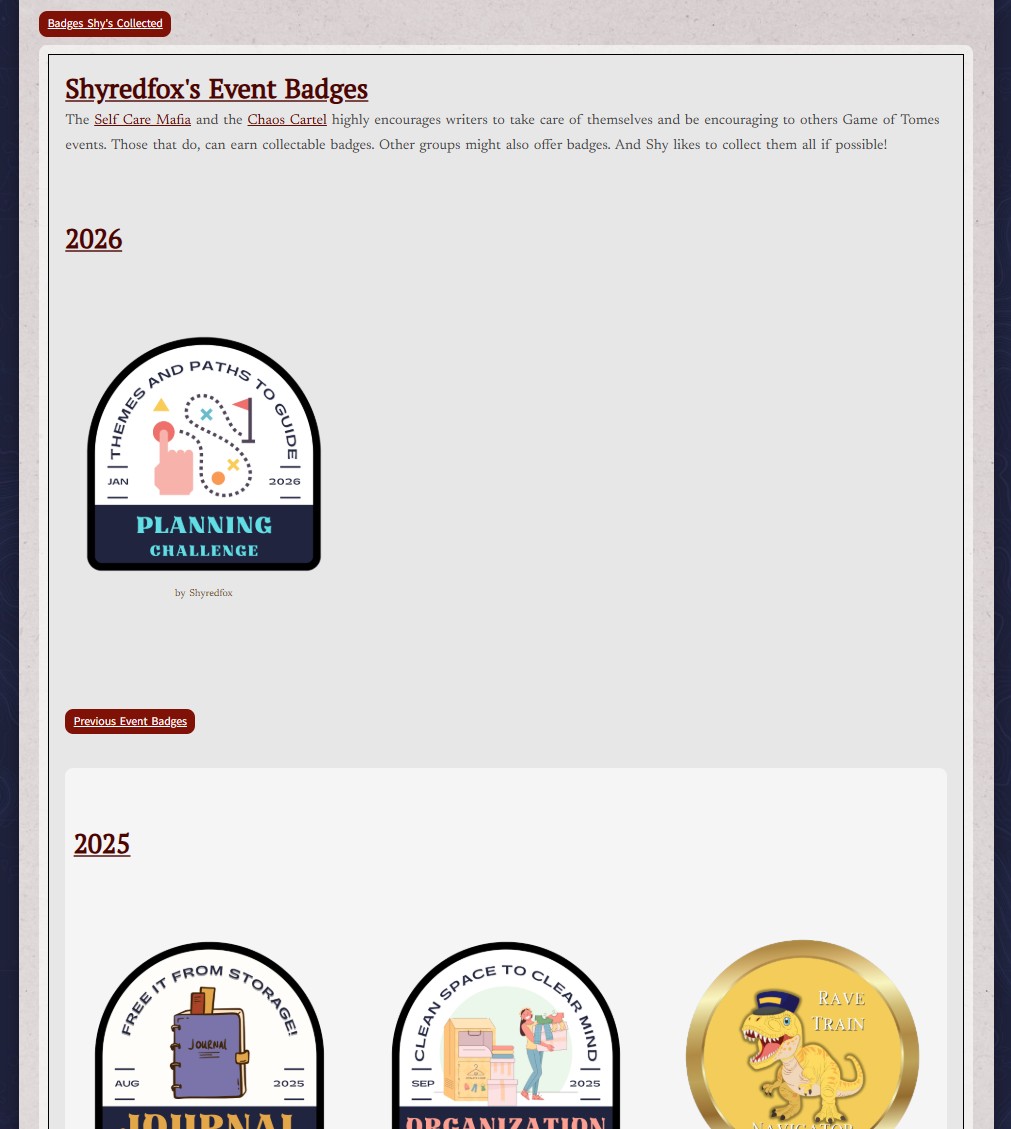
I started putting the badges I earned on my character page, Princess ShyRedFox. It was just a nice way to remember what I participated in.
But other people wanted to do the same thing. So after a bit of testing, I made a tutorial on how to make your own badge "block", that you can edit.
But other people wanted to do the same thing. So after a bit of testing, I made a tutorial on how to make your own badge "block", that you can edit.
Directions



Comments